Xotic AI Image Generation 2026: Classic, Apex, and Lumen Engines Guide
Xotic AI runs its image generation on three distinct engines — Classic, Apex, and Lumen — each producing AI-generated character images in both realistic and anime styles. Every image costs 50 XOT, or approximately 200 XOT for a 4-image batch, and paid subscribers receive 1,000 XOT monthly to work with. Prompting uses Danbooru-style tags, a structured tagging system that lets you specify appearance, clothing, pose, environment, and style with precision rather than relying on vague natural-language descriptions. Additional tools include ID-Lock for keeping a character's face consistent across multiple generations, Dynamic Environment Tagging for dropping characters into specific settings, and 12 distinct visual styles ranging from Polaroid to Cinematic 35mm. In our testing, this guide walks through each engine, how to actually write effective Danbooru-tag prompts, and how Xotic AI's image quality holds up against Candy AI and DreamGF.
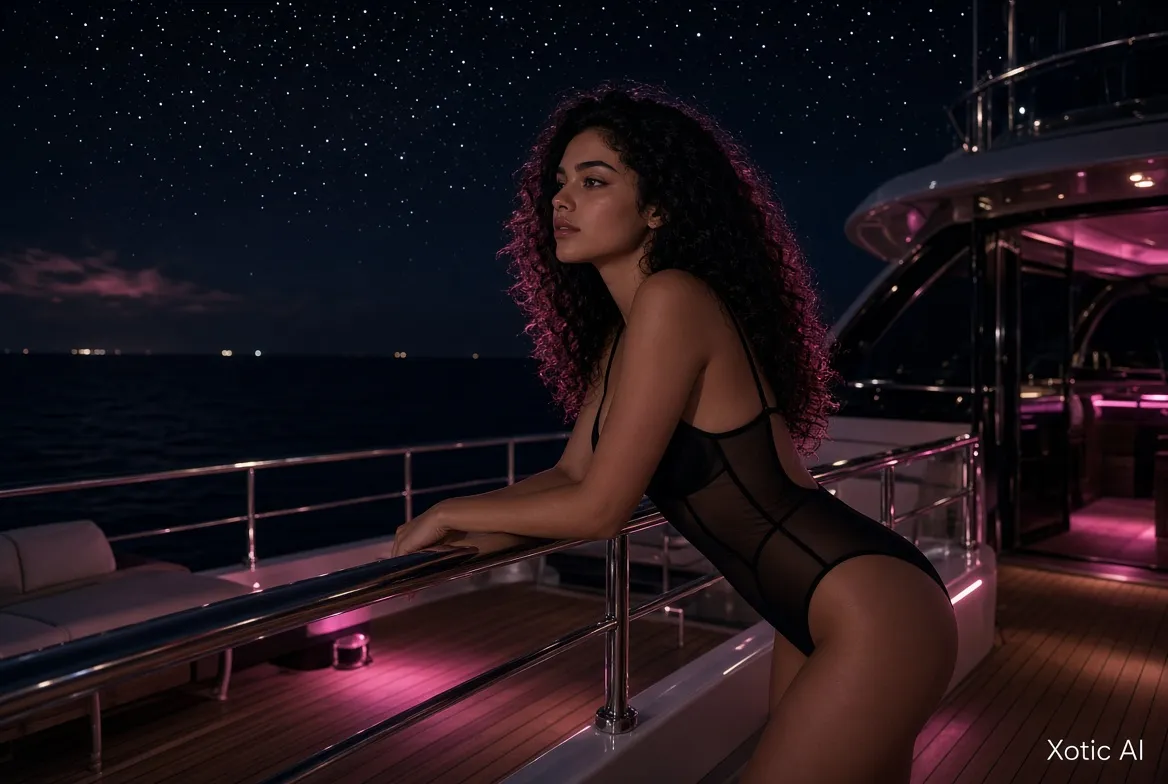
Three Image Engines Explained
Xotic AI doesn't rely on a single image model — it offers three, each tuned differently, and choosing the right one makes a noticeable difference in output quality for a given style.
- Classic engine — the standard-quality option, reliable and consistent output across both realistic and anime styles; a solid default for everyday generation
- Apex engine — steps up detail and rendering quality over Classic, better suited for images where fine detail (skin texture, fabric, lighting) matters more
- Lumen engine — the most advanced quality option of the three, aimed at users prioritizing the sharpest possible output over generation speed
All three engines support the same 50 XOT per image pricing and the same style options, so the choice between them comes down to the quality-versus-speed tradeoff rather than cost. In our experience, Classic is the right starting point for testing prompts quickly, then switching to Apex or Lumen once you've dialed in the exact look you want.
Realistic vs Anime Styles
Every engine on Xotic AI supports two primary style families: Realistic and Anime. The choice shapes not just the visual aesthetic but also how forgiving the engine is with certain Danbooru tags.
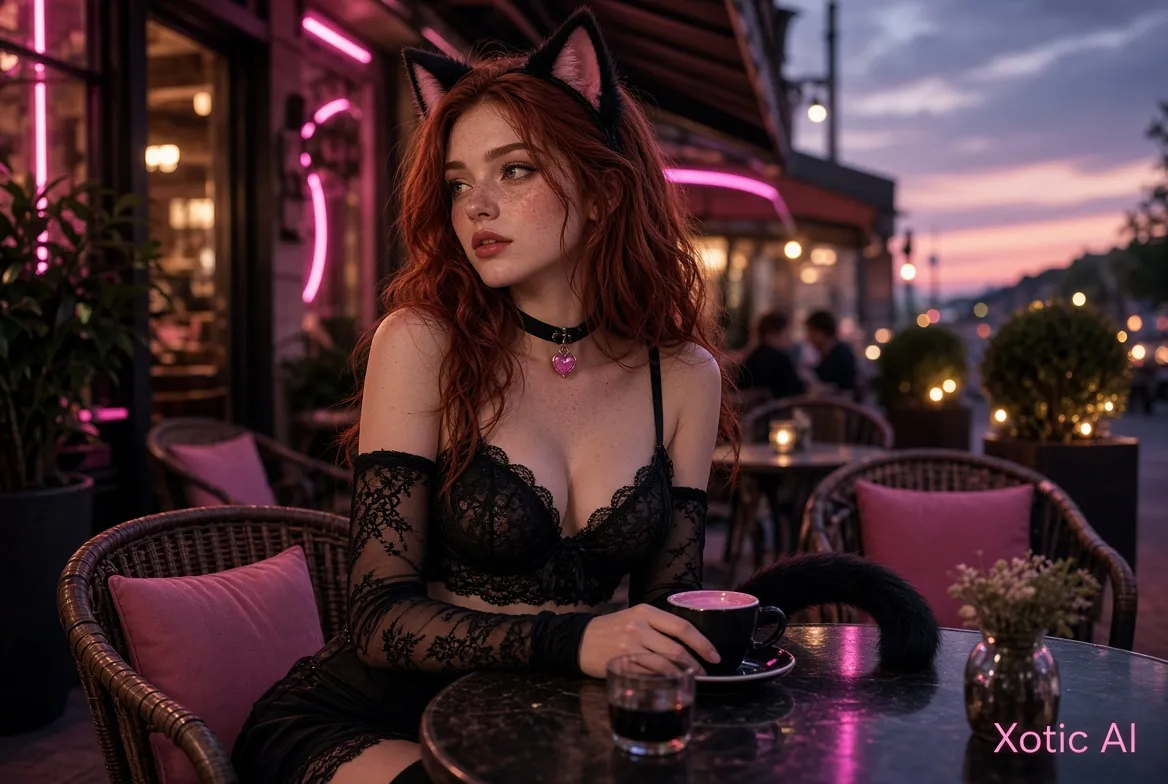
Realistic style aims for photorealistic output — natural skin tones, lighting, and proportions closer to photography than illustration. In our testing, Xotic AI's realistic output holds up well against Candy AI's photorealistic engine, with comparable fidelity on face and skin rendering. Anime style, by contrast, produces Japanese illustration-influenced art: exaggerated features, flatter shading, and stylized proportions common to anime character design. Neither style costs more than the other, so switching between them for the same character is simply a prompt and toggle change rather than a pricing decision.
If you're unsure which to pick, our practical tip from testing dozens of prompts: anime style tends to be more forgiving of ambitious tag combinations (unusual hair colors, fantastical outfits), while realistic style rewards more conservative, grounded tag choices for the most convincing results.
Switching styles mid-project is also a useful way to test a character concept before committing to a full generation batch. We often generate a quick single anime-style image first to confirm a character's proportions and outfit read correctly, then switch to realistic style once the concept is locked in — since the underlying Danbooru tags carry over between styles without needing to be rewritten from scratch.
How to Write Image Prompts (Danbooru Tags)
Xotic AI's prompting system is built around Danbooru-style tags — short, comma-separated descriptors originally popularized by anime image-board tagging conventions, adapted here for structured character generation.
Tags generally fall into five categories:
- Appearance — hair color and style, eye color, body type (e.g., "long red hair, green eyes, athletic build")
- Clothing — specific garments or outfit style (e.g., "black cocktail dress, silver jewelry")
- Pose — body position and action (e.g., "sitting, looking at viewer, hand on hip")
- Environment — setting or backdrop (e.g., "beach at sunset, neon-lit city street")
- Style — visual treatment or medium (e.g., "cinematic lighting, Polaroid style")
A positive prompt lists everything you want included, while a negative prompt excludes unwanted elements — for example, adding "blurry, extra fingers, low detail" as a negative prompt helps the engine avoid common generation artifacts. In our testing, the most consistent results came from combining 6-10 specific tags across these categories rather than writing a long free-form sentence; the engine responds more predictably to structured tags than to conversational descriptions.
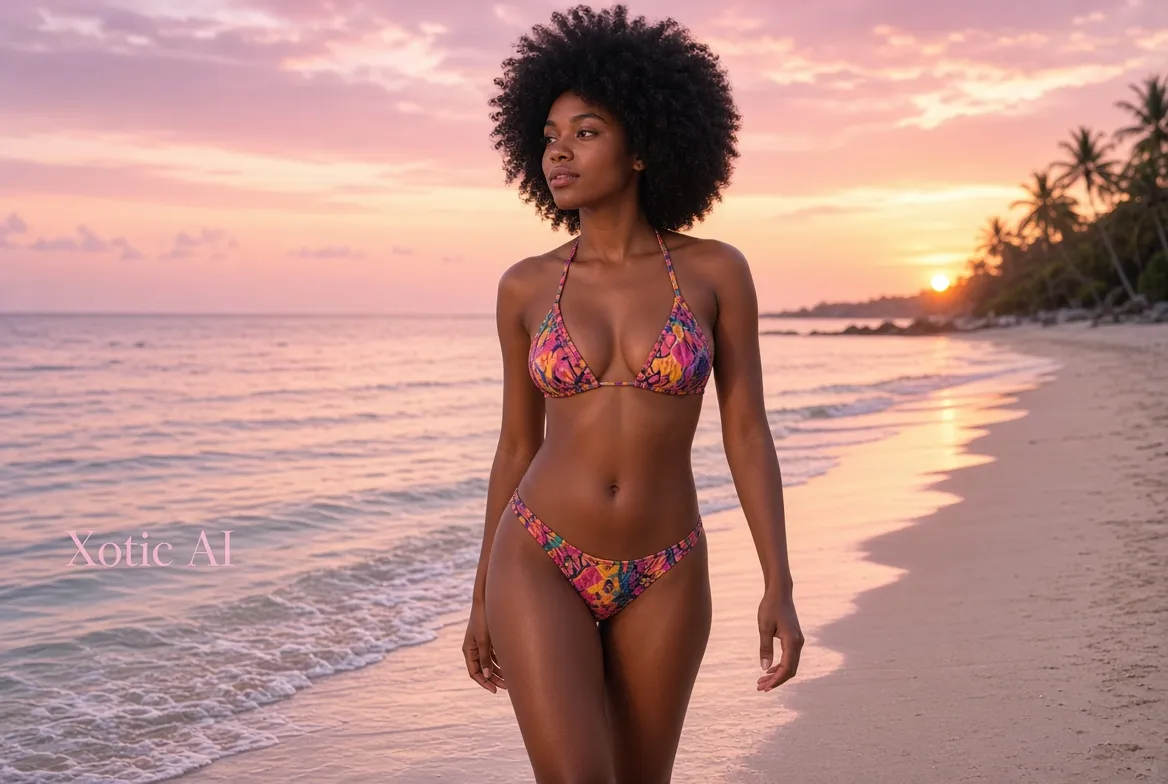
A practical example of a well-formed prompt: "athletic build, long black hair, brown eyes, red bikini, beach at sunset, cinematic lighting" — five categories covered in a single line, specific enough to guide the engine without over-constraining it.
Ready to Try?
Create your AI companion in minutes. Free tier available — no credit card required.
Try Xotic AI FreeImage Quality Features
Beyond the base engines, Xotic AI includes several features specifically designed to solve the consistency and variety problems common to AI image generators.
| Feature | What It Does |
|---|---|
| ID-Lock | Maintains character facial consistency across multiple separate generations |
| Sync-Frame | Ensures visual coherence across a multi-image series |
| Dynamic Environment Tagging | Places characters in specific settings via tags like #Beach, #NeonClub |
| 12 visual styles | Includes Polaroid, Instagram-Style, Cinematic 35mm, and more |
| Output resolution | FHD for premium subscribers; 720p watermarked on free |
ID-Lock addresses one of the most common frustrations we've encountered testing AI companion image tools: a character looking noticeably different from one generation to the next. By locking core facial features, Xotic AI keeps the same character recognizable across dozens of images and settings. Sync-Frame extends this further for multi-image series, keeping lighting and styling coherent when you generate a batch meant to feel like one continuous shoot. Dynamic Environment Tagging is a genuinely time-saving shortcut — typing "#Beach" or "#NeonClub" applies a full pre-built environment rather than requiring you to hand-write environment tags every time.
Batch Generation and Collections
Xotic AI supports generating 1, 2, or 4 images per request, which is useful both for exploring variations on a single prompt and for building out a themed set in fewer clicks. Every generated image is automatically saved into your private gallery and can be organized into collections for easier browsing later.
- Generate 1, 2, or 4 images at once from a single prompt
- All images save automatically to your private gallery
- Organize saved images into custom collections
- Optionally share images to the community feed for public visibility
- Publish & Earn lets creators monetize popular character images shared publicly
In our experience, batch generation at 4 images per request (200 XOT total) is the most XOT-efficient way to explore prompt variations, since you see four interpretations of the same tags in one pass rather than spending 50 XOT four separate times on trial and error.
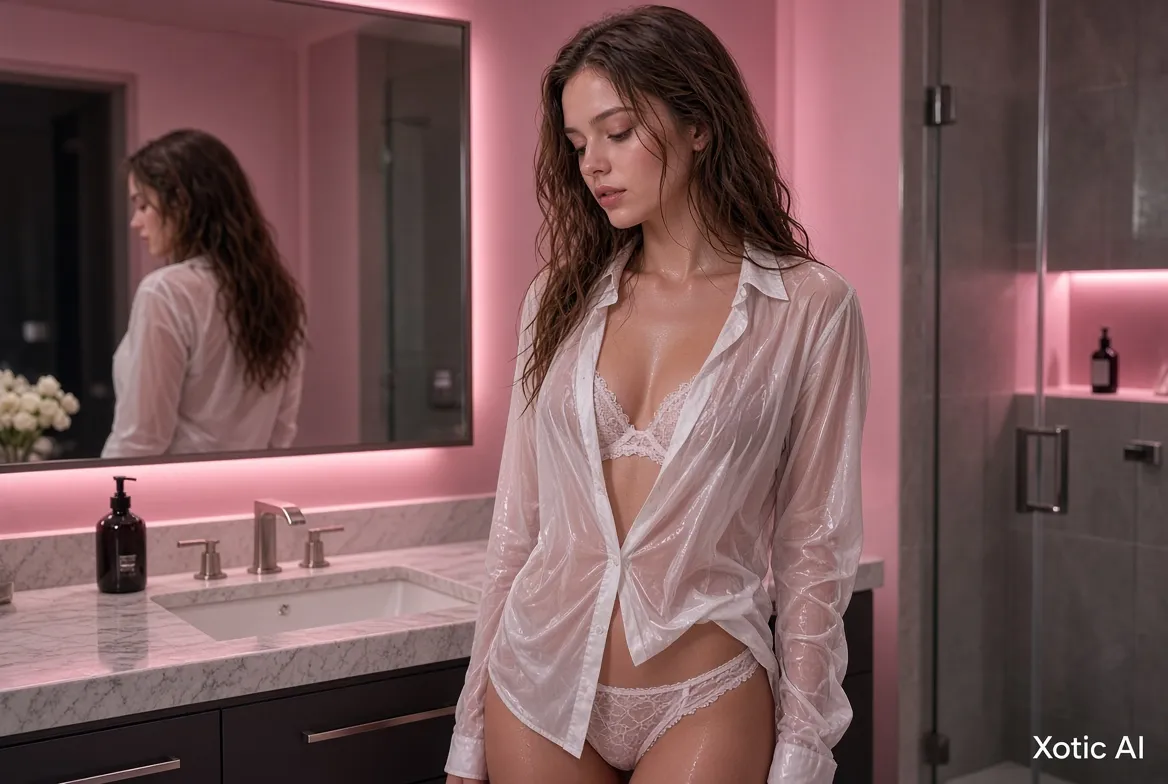
Image Generation Costs
Understanding the cost structure helps you budget your monthly XOT allowance across images, chat, and video rather than running out mid-month.
| Generation Type | Cost |
|---|---|
| Single image | 50 XOT |
| 4-image batch | 200 XOT |
| Monthly subscription allowance | 1,000 XOT |
At 50 XOT per image, a standard 1,000 XOT monthly allowance covers approximately 20 images if spent entirely on generation — though most users split their XOT budget across images, chat, and talking video generation rather than dedicating everything to one feature. To stretch your image budget further, our testing suggests generating in batches of 4 rather than single images when exploring a new character concept, since it surfaces more variation per XOT spent, and refining a locked-in prompt (rather than repeatedly guessing) cuts down on wasted generations. For a complete breakdown of what each subscription tier includes, see our guide to XOT pricing and monthly token allowances.
Xotic AI Images vs Competitors
Image quality is a core battleground in the AI companion space, and Xotic AI holds its own against the platforms we've tested most extensively.
- Candy AI — comparable output quality in photorealistic style, though its interface and tagging system differ from Xotic AI's Danbooru approach; Candy AI meters images at roughly 100 per month on its Premium tier
- DreamGF — offers deeper character customization through 40+ sliders and mix-and-match genetic traits, with similar final output quality to Xotic AI
- SoulGen — focuses on standalone AI art generation rather than companion-integrated images, serving a somewhat different use case with about 100 credits/month on its Pro tier
- MyBabes AI — runs a simpler system at 1 token per image, with less engine variety than Xotic AI's three-engine setup
Xotic AI's core advantage isn't any single engine outperforming the competition on raw image quality — it's that image generation is fully integrated with character creation (via the xGen engine), chat, and video, so a character you design stays consistent across every feature rather than existing in an isolated image tool. DreamGF's slider-based customization gives finer manual control over specific traits before generation, which some users prefer over Xotic AI's tag-based approach, but it also takes longer to set up a new character from scratch than typing a Danbooru tag string. SoulGen's credit allowance (100/month on Pro) is comparable to Xotic AI's image budget once you factor in that Xotic AI's 1,000 monthly XOT also covers chat and video, not images alone.
For the full platform picture, our complete Xotic AI review covers chat, pricing, and every generation feature together, and our head-to-head comparison with the main alternatives breaks down image quality differences in more depth.
Ready to Try?
Create your AI companion in minutes. Free tier available — no credit card required.
Try Xotic AI FreeFAQ — Xotic AI Image Generation
How much does each image cost on Xotic AI?
A single generated image costs 50 XOT, regardless of which engine (Classic, Apex, or Lumen) or style (Realistic or Anime) you choose. A 4-image batch costs 200 XOT total. Paid subscriptions include 1,000 XOT per month, which covers roughly 20 single images if the entire allowance goes toward image generation.
What are the three image engines?
Xotic AI offers Classic, Apex, and Lumen. Classic is the standard-quality baseline suitable for most generations. Apex offers enhanced detail and rendering quality above Classic. Lumen is the most advanced option, prioritizing maximum image quality over generation speed. All three cost the same 50 XOT per image and support both realistic and anime styles.
What are Danbooru tags and how do I use them?
Danbooru-style tags are short, comma-separated descriptors covering appearance, clothing, pose, environment, and style — for example, "long red hair, black dress, standing, city street, cinematic lighting." You write a positive prompt listing what you want and can add a negative prompt to exclude unwanted elements like blurry details or extra limbs. Structured tags produce more predictable results than free-form sentence descriptions.
Can I generate anime-style images?
Yes. Anime is one of the two primary style options available across all three engines (Classic, Apex, Lumen), alongside Realistic. You can switch between styles for the same character without any additional cost — it's a prompt and toggle setting rather than a separate paid feature.
How do I keep my character consistent across images?
Xotic AI's ID-Lock feature maintains facial consistency for a specific character across multiple separate image generations, so the same character looks recognizably the same from one image to the next. For multi-image series meant to feel cohesive — like a themed photo set — Sync-Frame additionally keeps lighting and styling consistent across the batch.
Can I download and save my generated images?
Every image you generate saves automatically to your private gallery, where it can be organized into collections. Premium subscribers receive FHD-resolution output, while free-tier images render at 720p with a watermark. You can also choose to share images to the community feed, and popular shared images can be monetized through the Publish & Earn program.
Ready to create your first character image? Try Xotic AI Free and start generating with Classic, Apex, or Lumen today.